You can automatically detect and manage flaky tests in your XCTest projects by integrating with Trunk. This document explains how to configure XCTest to output XCResult reports that can be uploaded to Trunk for analysis.
Setup steps
Work through the steps below in order. Once you’ve finished the last one, you’ll be ready to move on to configure uploads in CI.
Generating Reports
Running XCTests from xcodebuild produces a .xcresult in an obscure directory by default. You can specify a -resultBundlePath option to generate the results locally:
You can upload .xcresult directories directly to Trunk Flaky Tests.
Only XCode versions 16 or higher are supported.
Report File Path
The test reports will be written to the ./test-results.xcresult directory when running tests with the -resultBundlePath ./test-results.xcresultoption. You will need this path when uploading results to Trunk in CI.
Disable Retries
You need to disable automatic retries if you previously enabled them. Retries compromise the accurate detection of flaky tests. You should disable retries for accurate detection and use the Quarantining feature to stop flaky tests from failing your CI jobs.
If you run tests in CI with the -retry-tests-on-failure option, disable it for more accurate results.
Try It Locally
Before modifying your CI jobs to automatically upload test results to Trunk, try uploading a single test run manually.
You make an upload to Trunk using the following command:
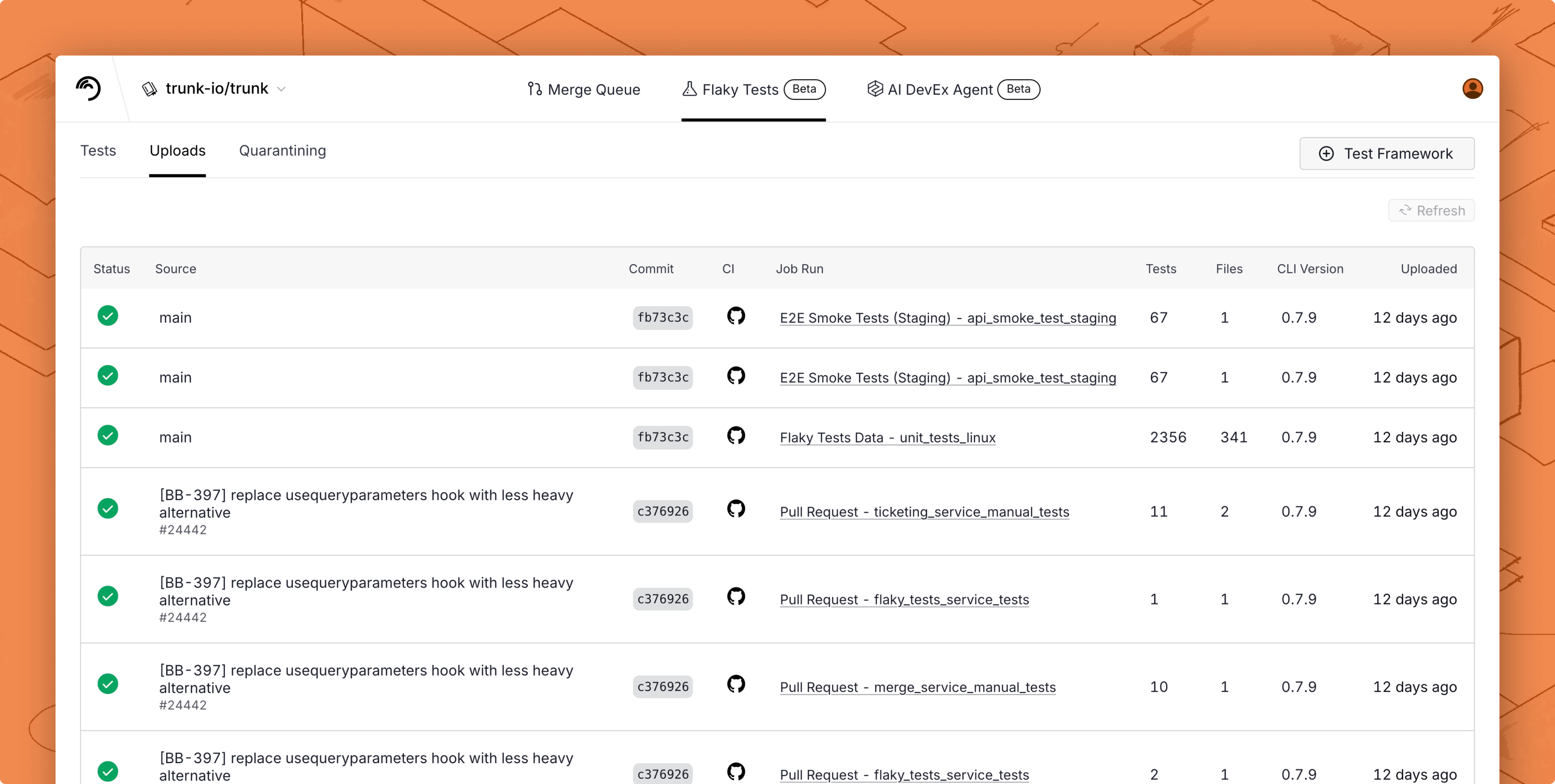
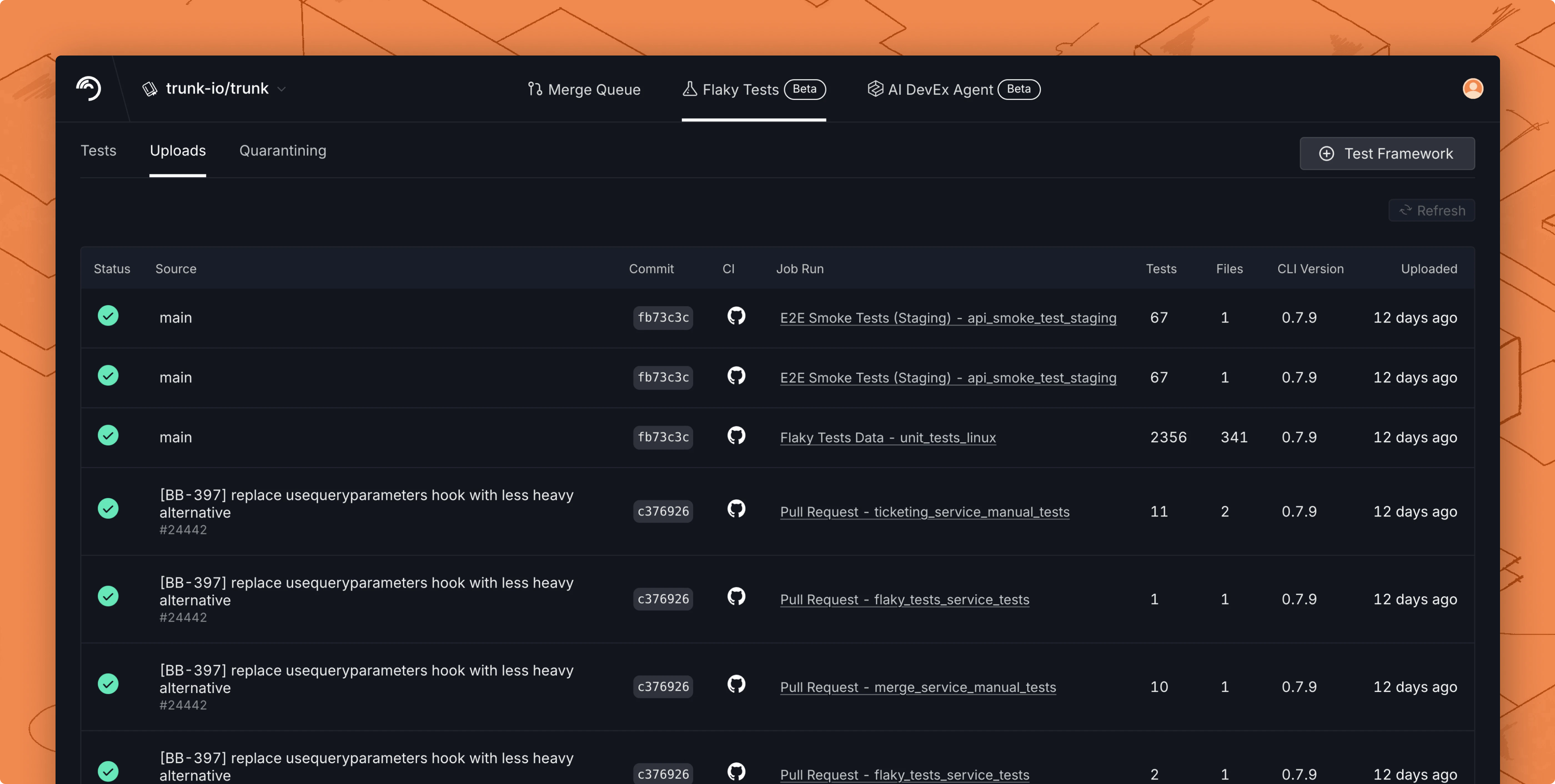
You can find your Trunk organization slug and token in the settings or by following these instructions. After your upload, you can verify that Trunk has received and processed it successfully in the Uploads tab. Warnings will be displayed if the report has issues.
Next Step
Configure your CI to upload test runs to Trunk. Find the guides for your CI framework below: