Field defaults for auto-created Linear tickets
When you connect a Linear team in Settings > Repositories > Ticketing Integration, you can now set per-repository defaults that pre-populate every new ticket: Priority (Urgent / High / Medium / Low / No priority), Labels (team- or workspace-level), Estimate (matches your team’s scale), Project (filtered to projects accessible by the selected team), and Assignee (chosen from team members). Defaults apply whenever you open the Create Ticket modal and can still be overridden before submitting. Switching teams clears and reloads the available options automatically.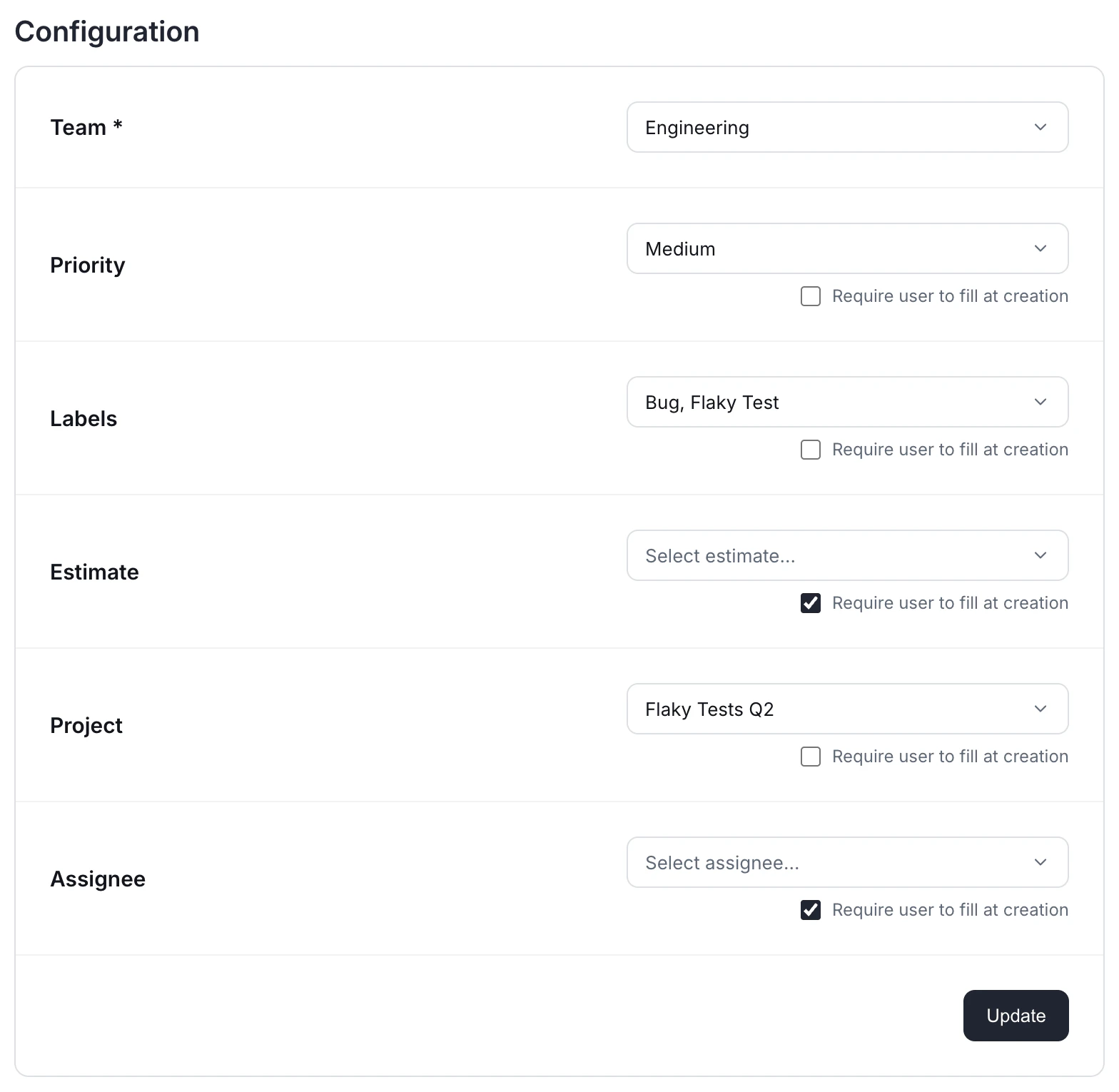
Link existing Linear tickets to a test
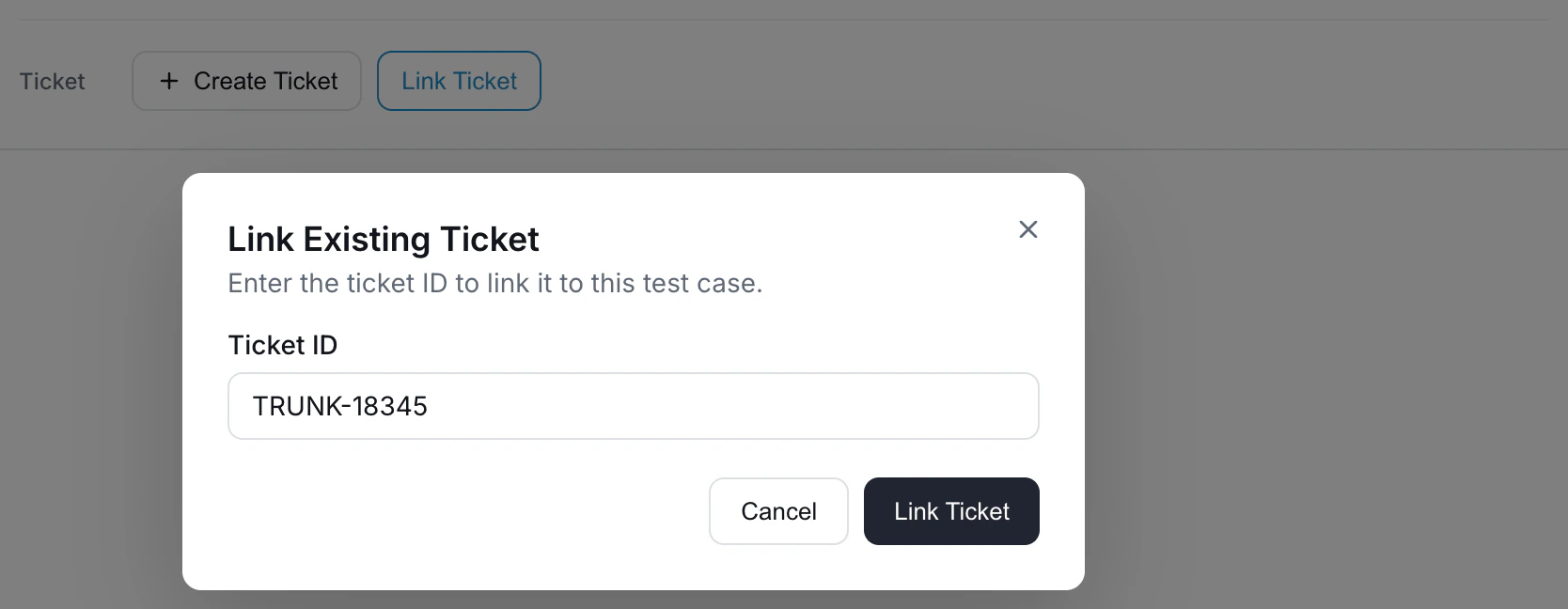
If you already have a Linear ticket tracking a flaky test, you can attach it without creating a duplicate. From the Test Details page, click Link Ticket, paste the Linear URL or ID, and submit. The ticket’s title, status, and assignee sync back from Linear. You can also link tickets programmatically with the Link a ticket to a test case API.